Customer price list
The customer price list allows to group customers into price list and calculate automatically the product selling price for each customer group base on customisable rules.
Note
This feature is not available to the users with the FREE plan, it is however available for all the users with any paid plan.
Activation of the price list functionality
Section: Settings > Modules > Activate Customers Price List
Customers Price list is an optional feature and can be activated in the Modules section.
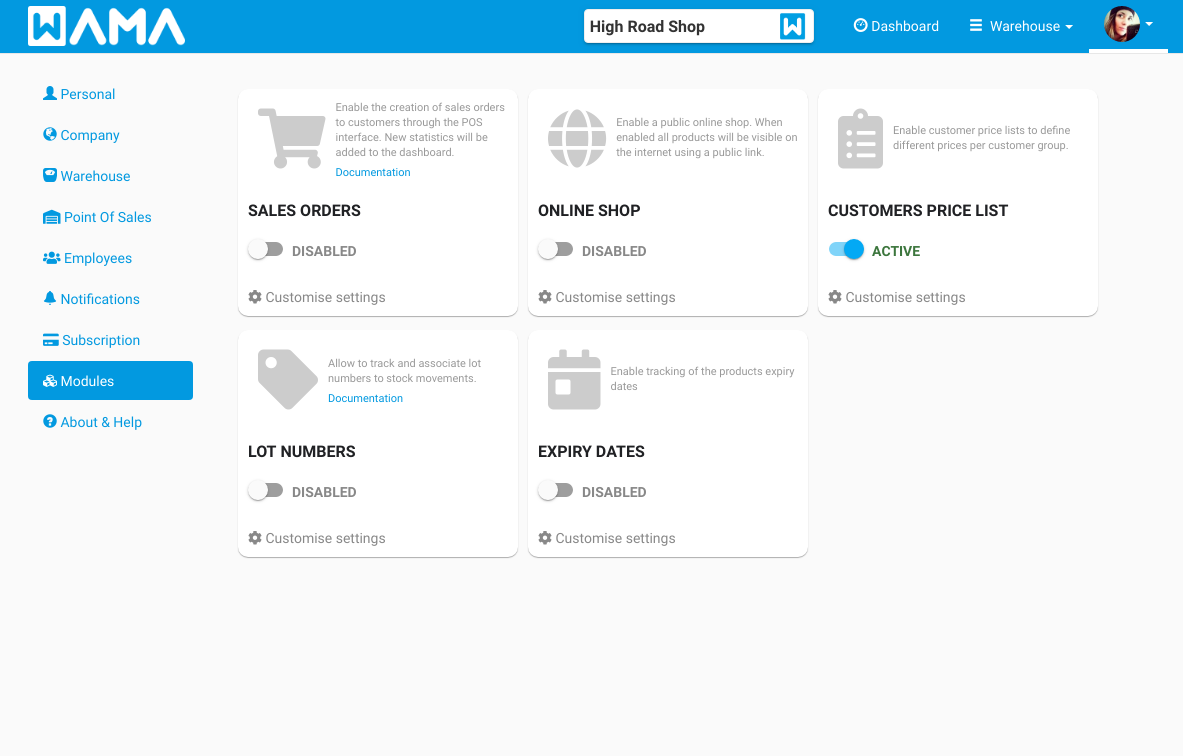
Creation of a price list
Section: Products > Customer Price List
Go to the products page and click on the three dots menu to access the Customer price list
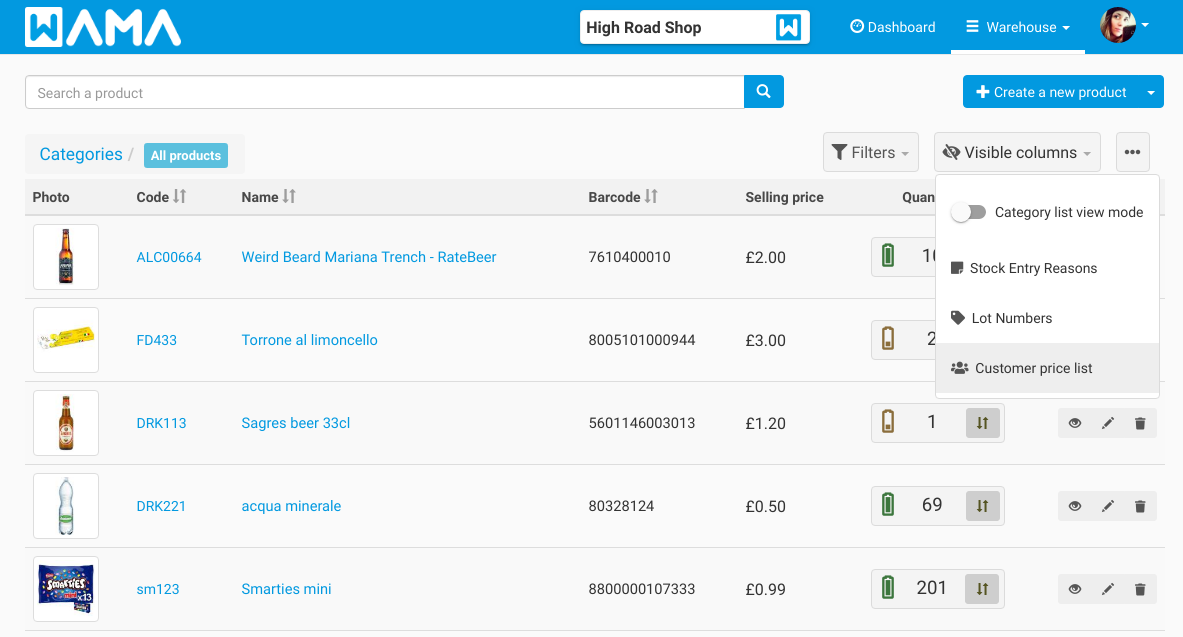
Click on Create new Price List button the following popup will be shown
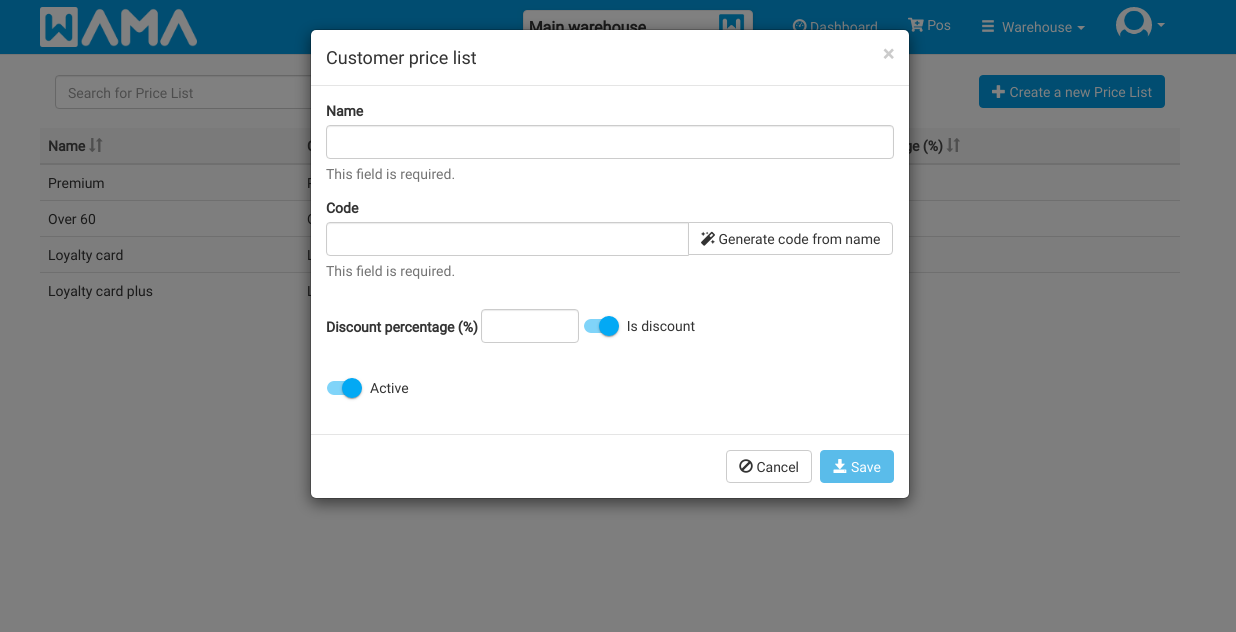
- Name: Is the name used to identify the price list, it is usually the name of the customer group (e.g. premium, loyal)
- Code: Is a mandatory field that cannot contain spaces. It can be generated automatically from the price list name by clicking on Generate code from name
- Discount percentage (%): Is the percentage of discount to apply to the selling price of the product.
- Is discount: When this switch is active the percentage will be subtracted from the selling price (discount), when is off the percentage will be added to the selling price (price increase)
Click on Save to create the new Customer Price List
View product prices
Section: Products > Click on a product > Customer Price List
Go to the product details page and click on the three dots menu to access the Customer price list
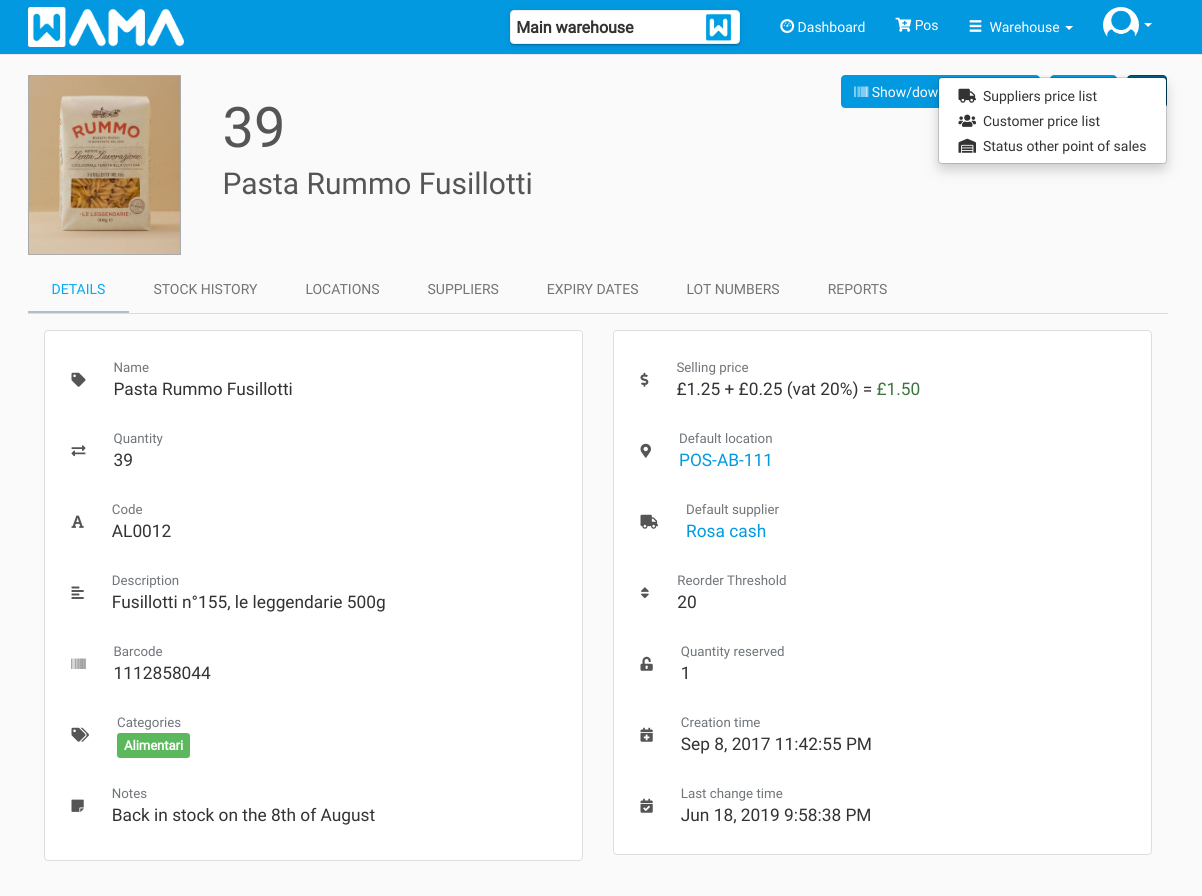
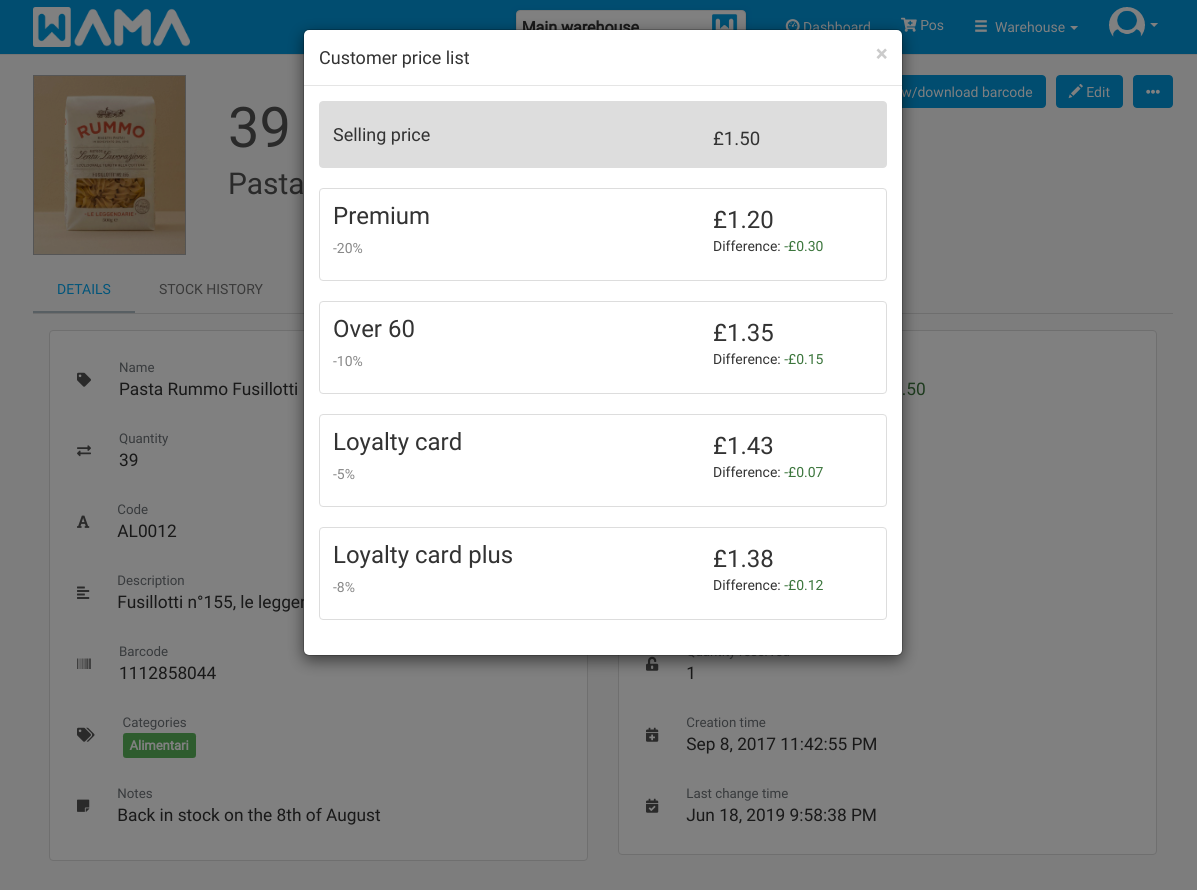
The price of each customer price list is calculated automatically, it is also displayed the percentage of discount/increase and the absolute value of discount/increase compared to the original selling price that is shown as first with the grey background.
Associate a price list to the customer
Section: Customers > Click on a customer > Click on edit customer
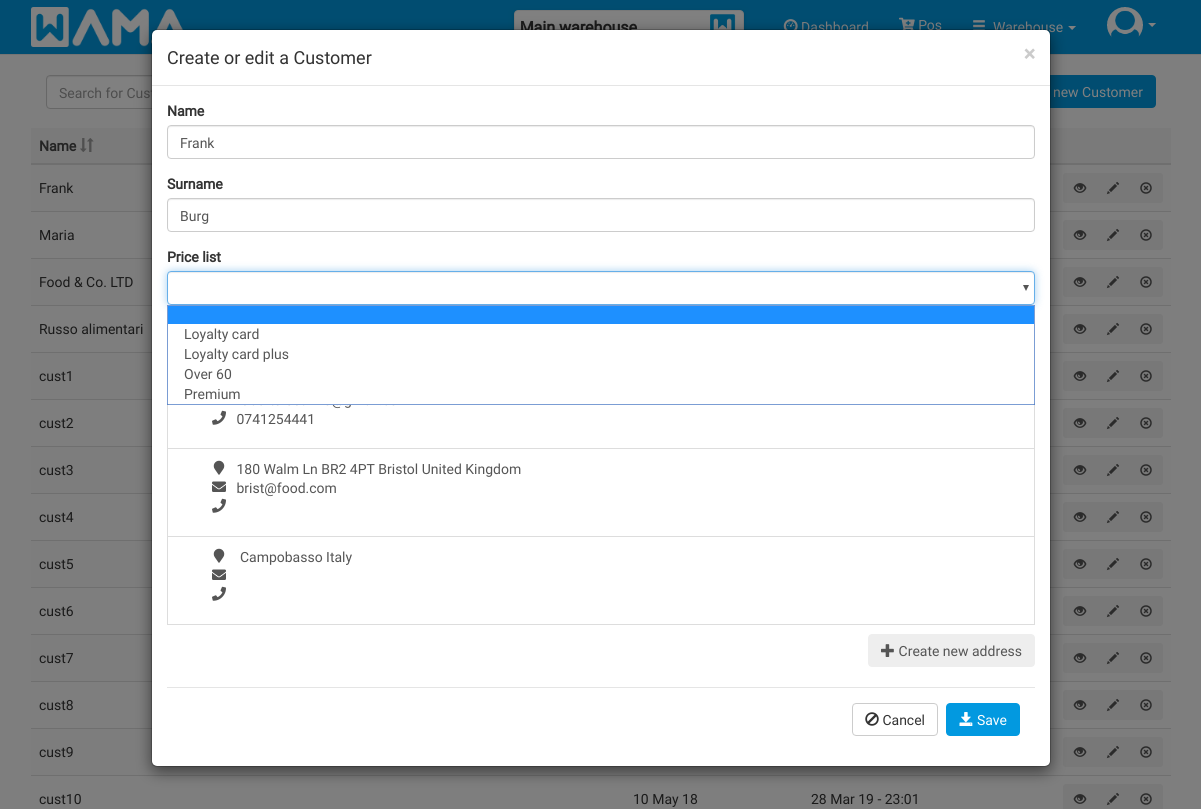
All the customers price list previously created will be selectable in the customer Price list dropdown menu. Pick the price list and click on Save.
Using the price list when creating a sales order
When creating a sales order at the time of the selection of the customer the order prices will be recalculated accordingly to the customer price list. If no price list is associated to the customer the default selling price will be used