Locations
Locations are places in your warehouse (aisles, shelves, bins). Open Warehouse → Locations (#/location).
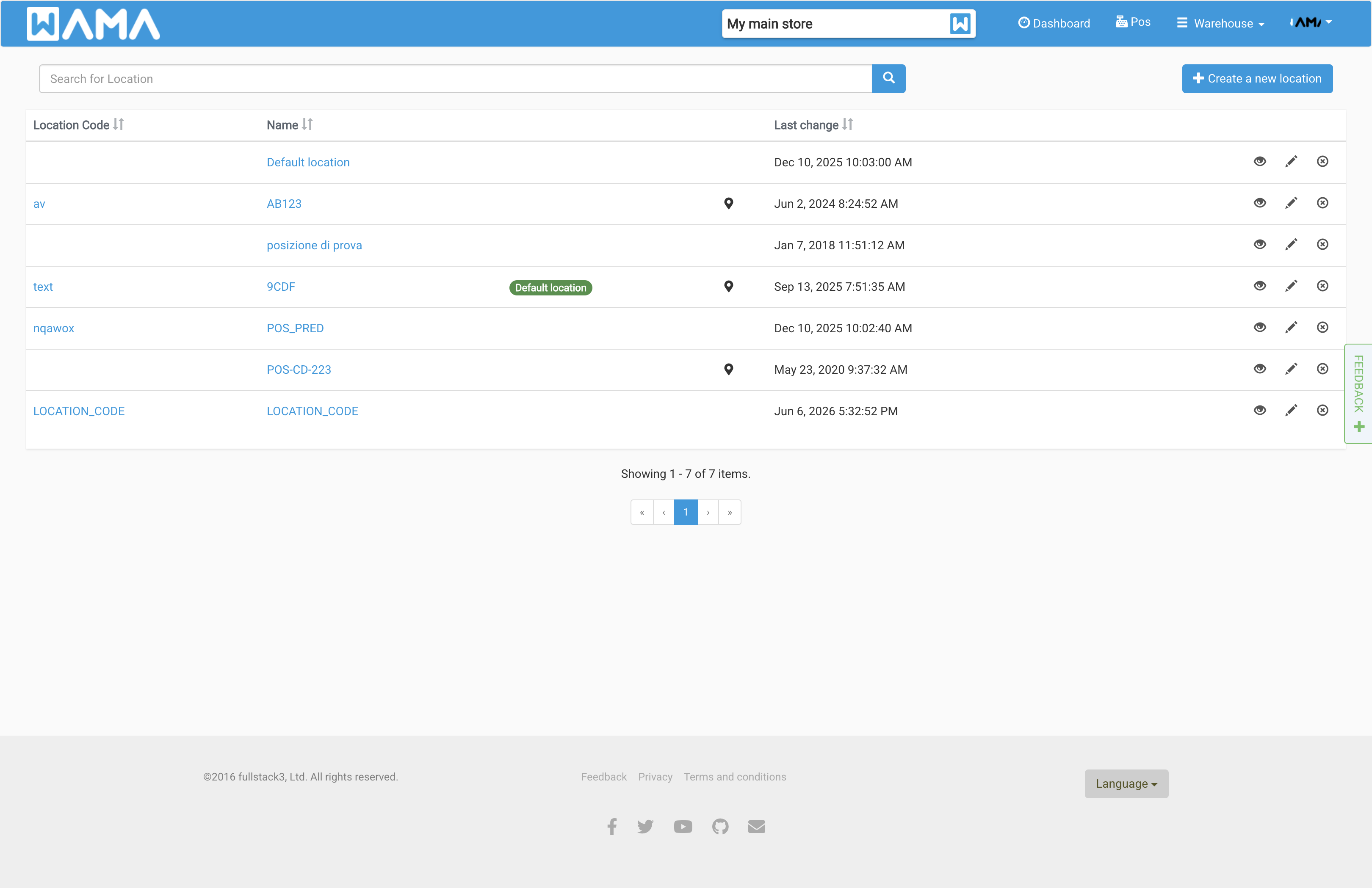
The list shows code, name, and last modified date. The green badge marks the default location for the warehouse.
Create and edit
Click Create new Location. Enter code and name. Set one location as default in warehouse settings or when editing a location.
Using locations
- Set a product’s default location on the product form
- Pick a location when changing product quantity
- See stock per location on the product Locations tab
Locations can be imported in bulk from Import / Export.