Import / Export
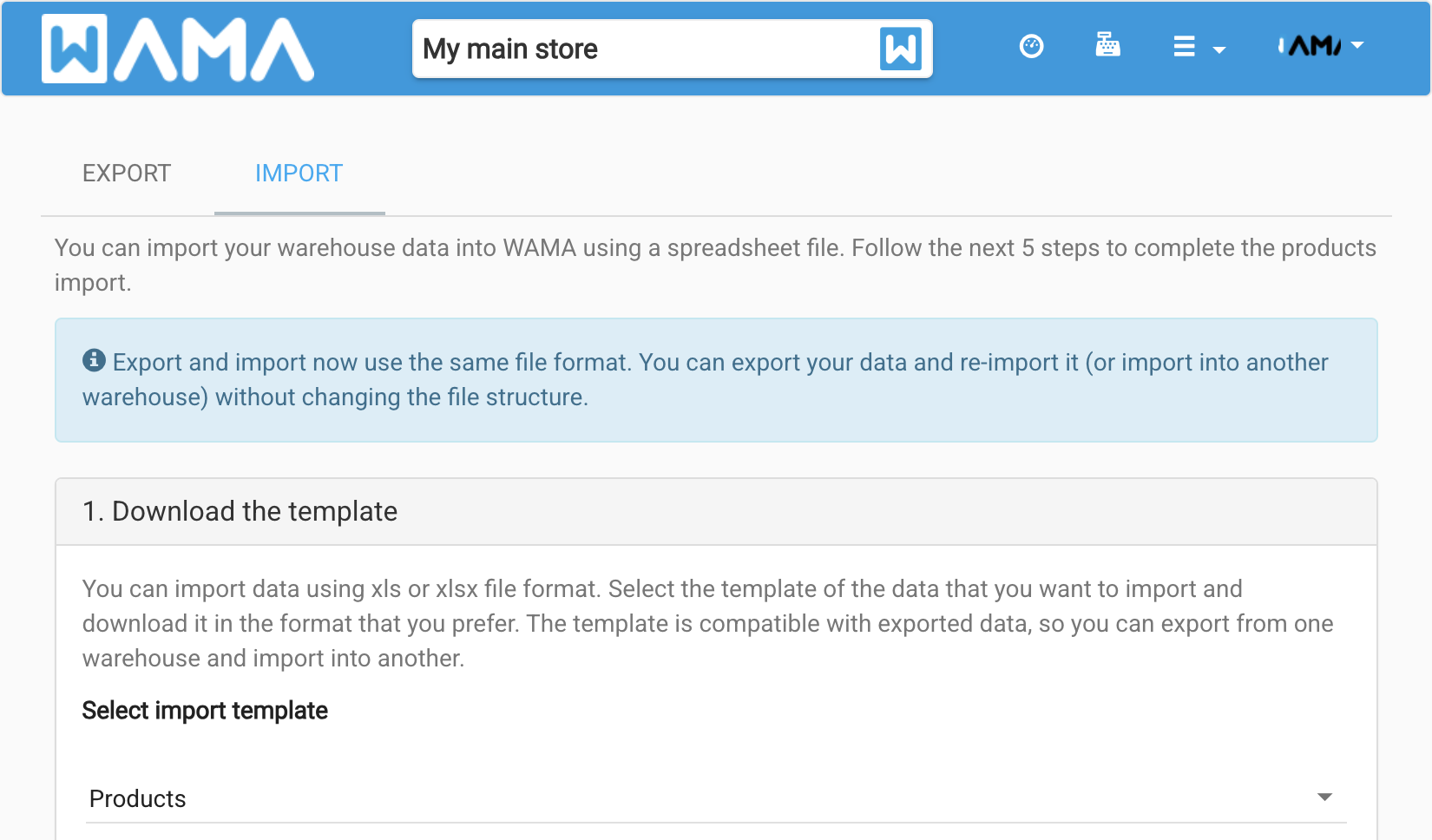
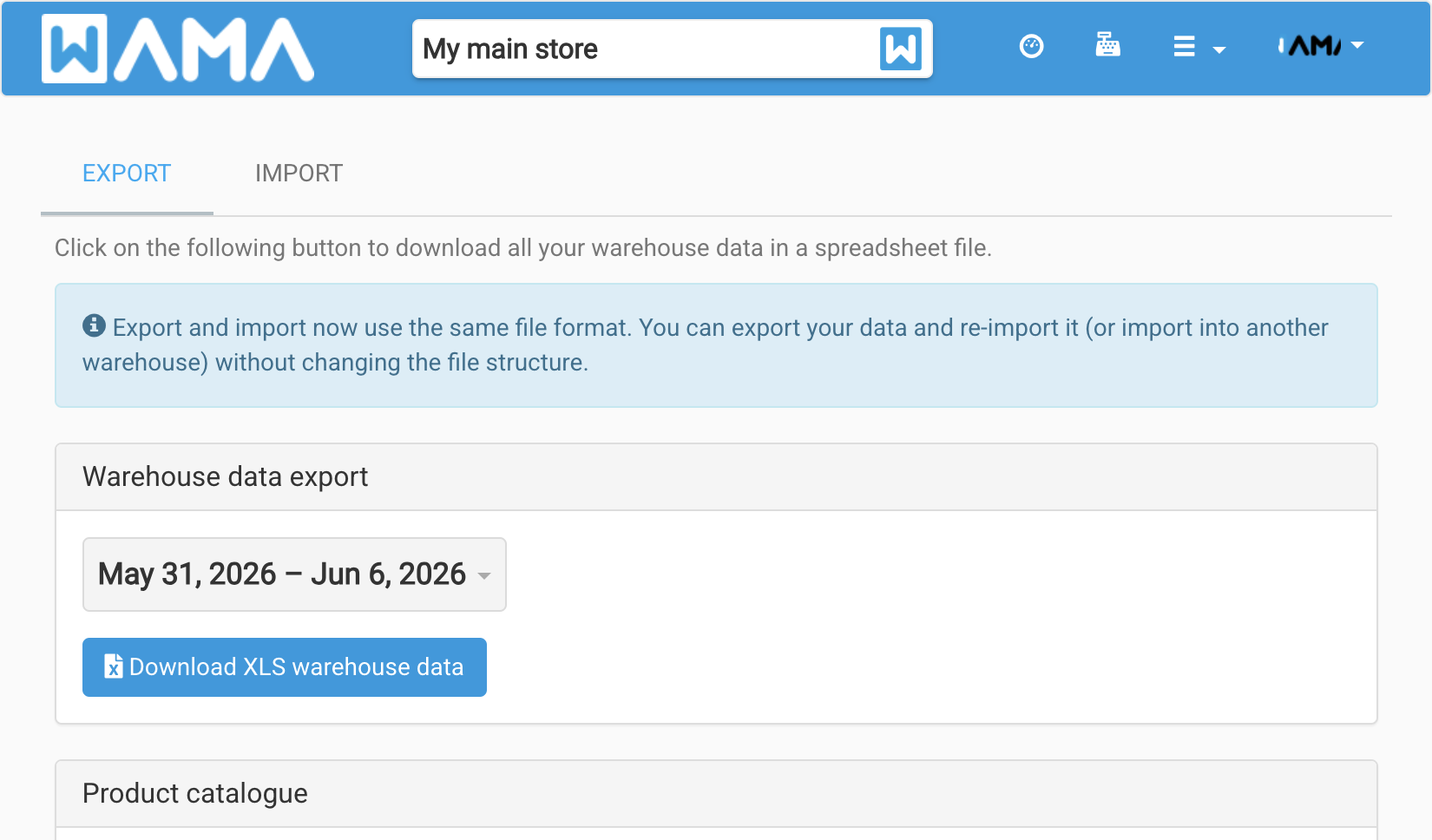
Open Import/Export from the user menu (#/import-export). The page has two tabs: Export and Import.
Export
Download your warehouse data or a product catalogue.
- Warehouse data export — choose a date range, then Download to get an XLS file. Export and import use the same format, so you can export, edit, and re-import without changing columns.
- Product catalogue — download a PDF catalogue (new version).
- Product catalogue (old version) — optional legacy PDF export with field and category filters.
Import
Import Products, Locations, or Customers from a spreadsheet in five steps:
- Download the template — pick the entity type and download XLSX or XLS.
- Edit the template — fill in your data in Excel or LibreOffice. Extra columns appear when lot numbers or expiry dates modules are enabled.
- Data upload — for products, select the currency, then upload the file (max 2 MB).
- Preview — review rows before saving; fix errors shown in the preview.
- Confirm and save — import into WAMA, or Discard data to start over.
Note
See Lot numbers for lot number and expiry date columns when those modules are active.