Expiry dates
Expiry dates let you record when product stock expires or should be used by. They are optional and separate from Lot numbers.
Note
Expiry dates are NOT enabled by default. Enable the Expiry dates module in Settings → Modules. A paid subscription is required.
Activate expiry dates
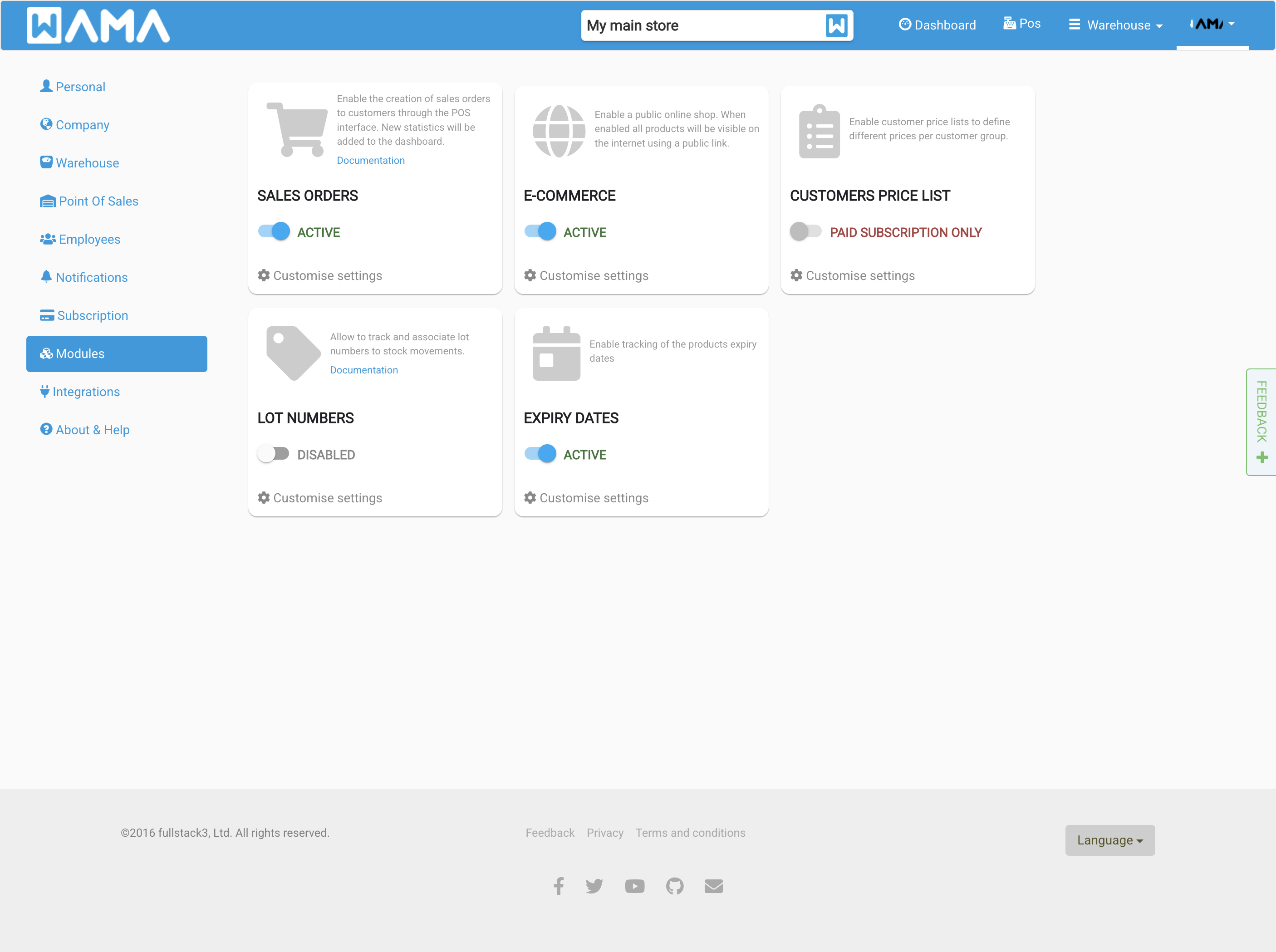
- Open Settings from the user menu and click Modules.
- Find Expiry dates and switch it to Active.
Product expiry dates tab
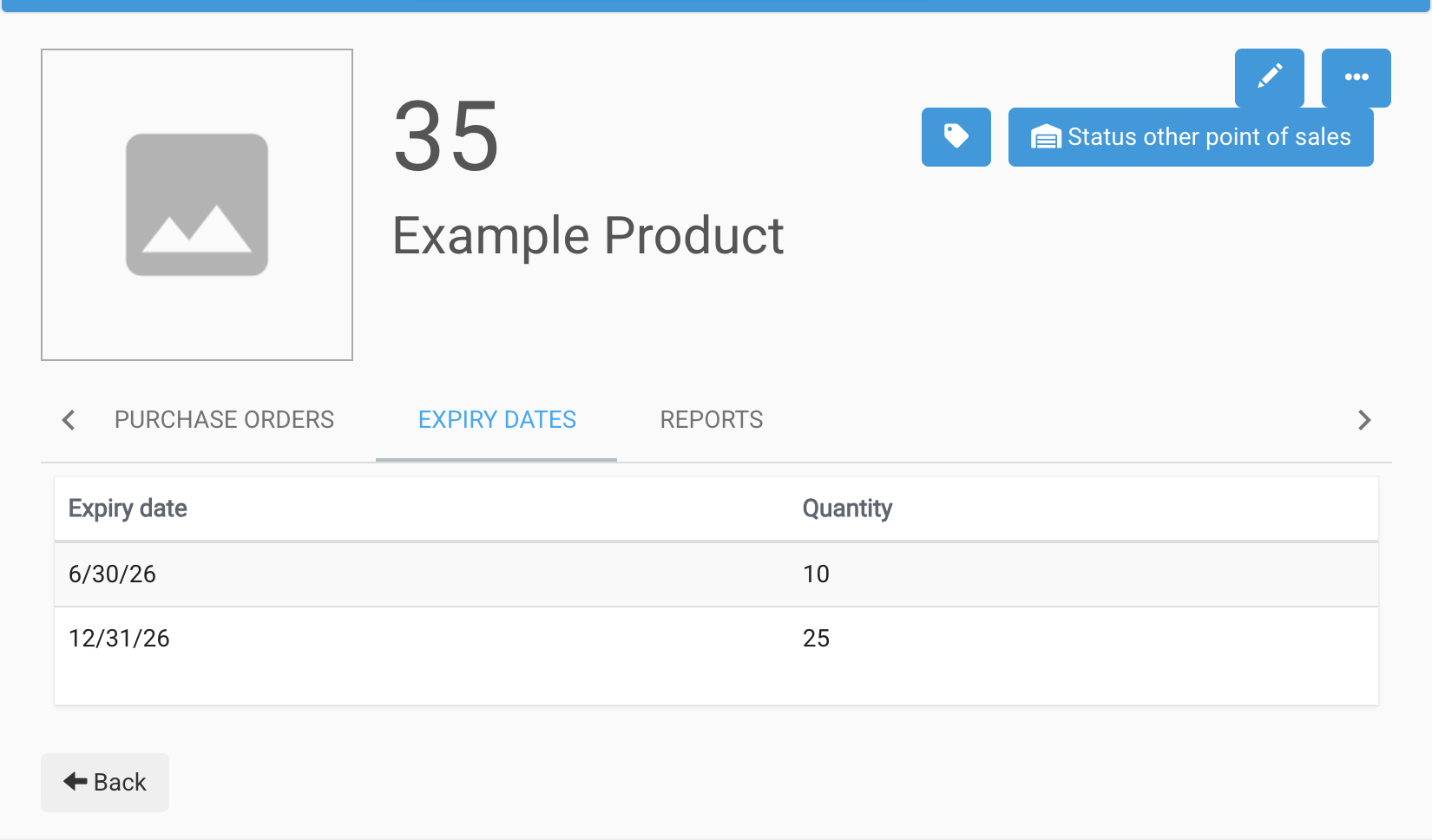
Open a product and select the Expiry dates tab to see quantities grouped by expiry date.
When changing product quantity (increase stock), you can set an Expiry date on the quantity dialog.
Dashboard
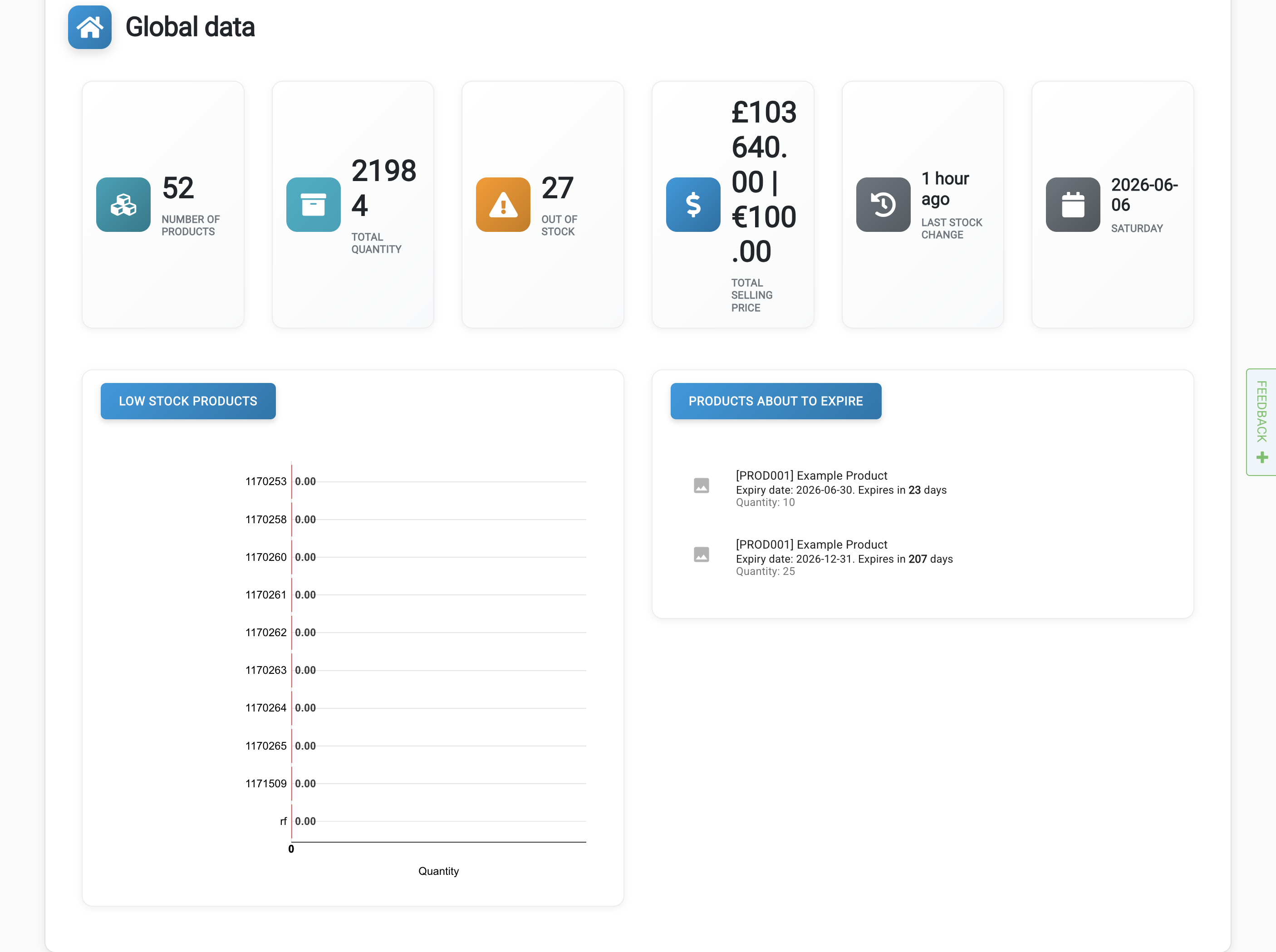
When the module is active, the dashboard shows products with upcoming or past expiry dates.
Import and export
With the module enabled, import and export templates include expiry date columns. See Import / Export and Lot numbers for bulk update details.