Barcode scanner
The Barcode scanner page speeds up stock changes with a scanner or keyboard. Open Warehouse → Barcode scanner (#/barcode).
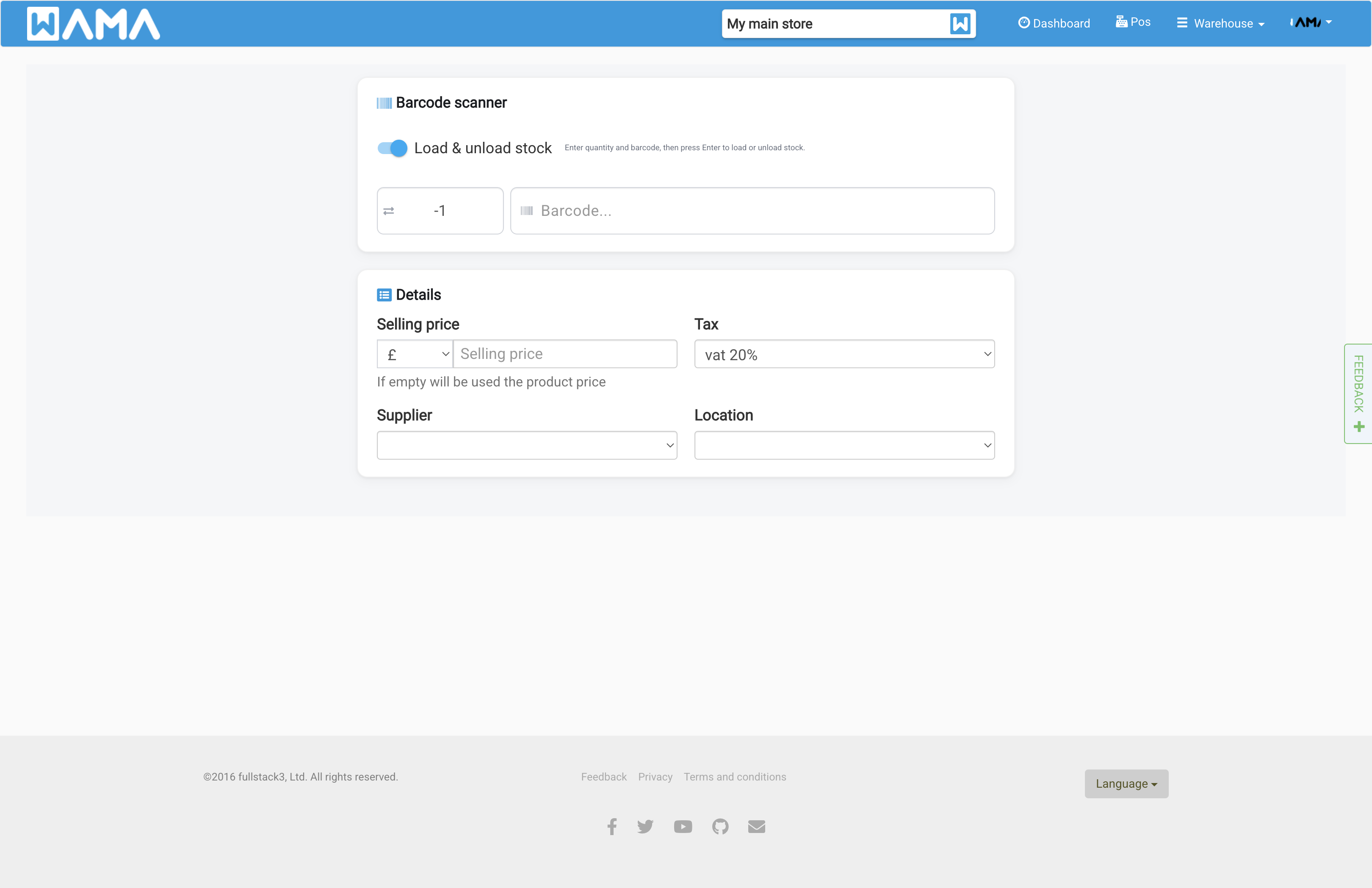
Load & unload stock (default)
- Enter quantity (positive to add, negative to remove)
- Scan or type the barcode and press Enter
- Optionally set purchase price, supplier, location, and lot number (if enabled)
The product appears in the results table with the updated quantity highlighted.
Search mode
Turn off Load & unload stock to switch to Search mode. Scan a barcode to find the product without changing stock.
Results
Matched products show in a table below. Use View or Edit, or export visible rows to Excel.
Works with USB scanners that send Enter after the barcode.