Card payments with SumUp
You can connect to WAMA an external card reader to accept payments with all the major credit and debit cards.
WAMA supports the SumUp card reader that comes without contract, you only pay a small fee on each payment.
If you want to know more details about the costs visit the following links:
- For GBP (£) countries sumup.co.uk/wama
- For USD ($) countries sumup.com/wamaus
- For EUR (€) countries sumup.it/wama
How does it work
You can use an existing card reader or get a new one. To get a new SumUp card reader follow these steps
- Visit our payment partners page to order a new SumUp card reader.
- You will receive the card reader in the post.
- Once received, turn on the card reader and open the WAMA app.
- Access the app
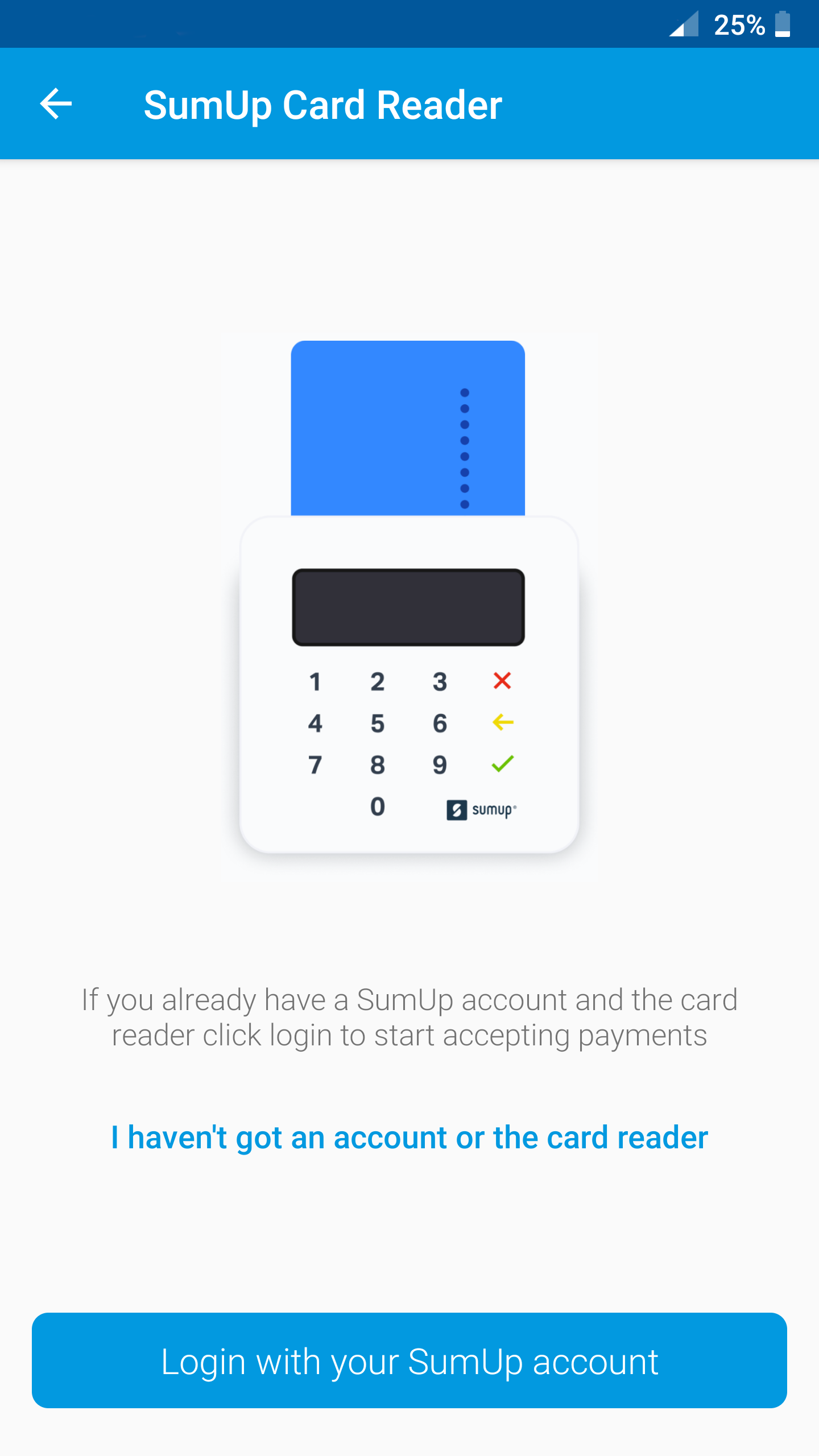
settings, click onCard Readers, selectSumUpand click on theLoginbutton to insert your SumUp credentials. - Open the POS when you checkout you will see the new option to pay with
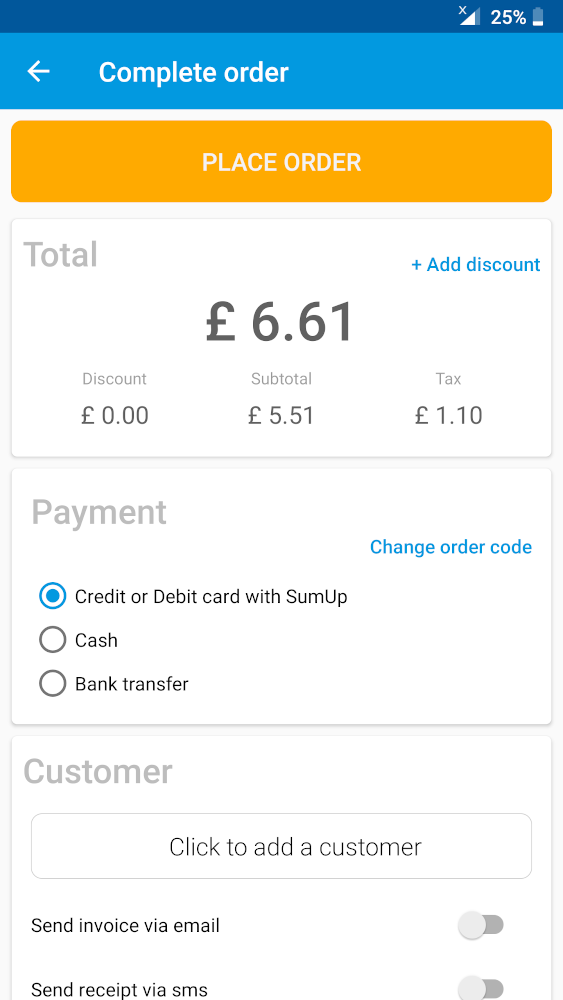
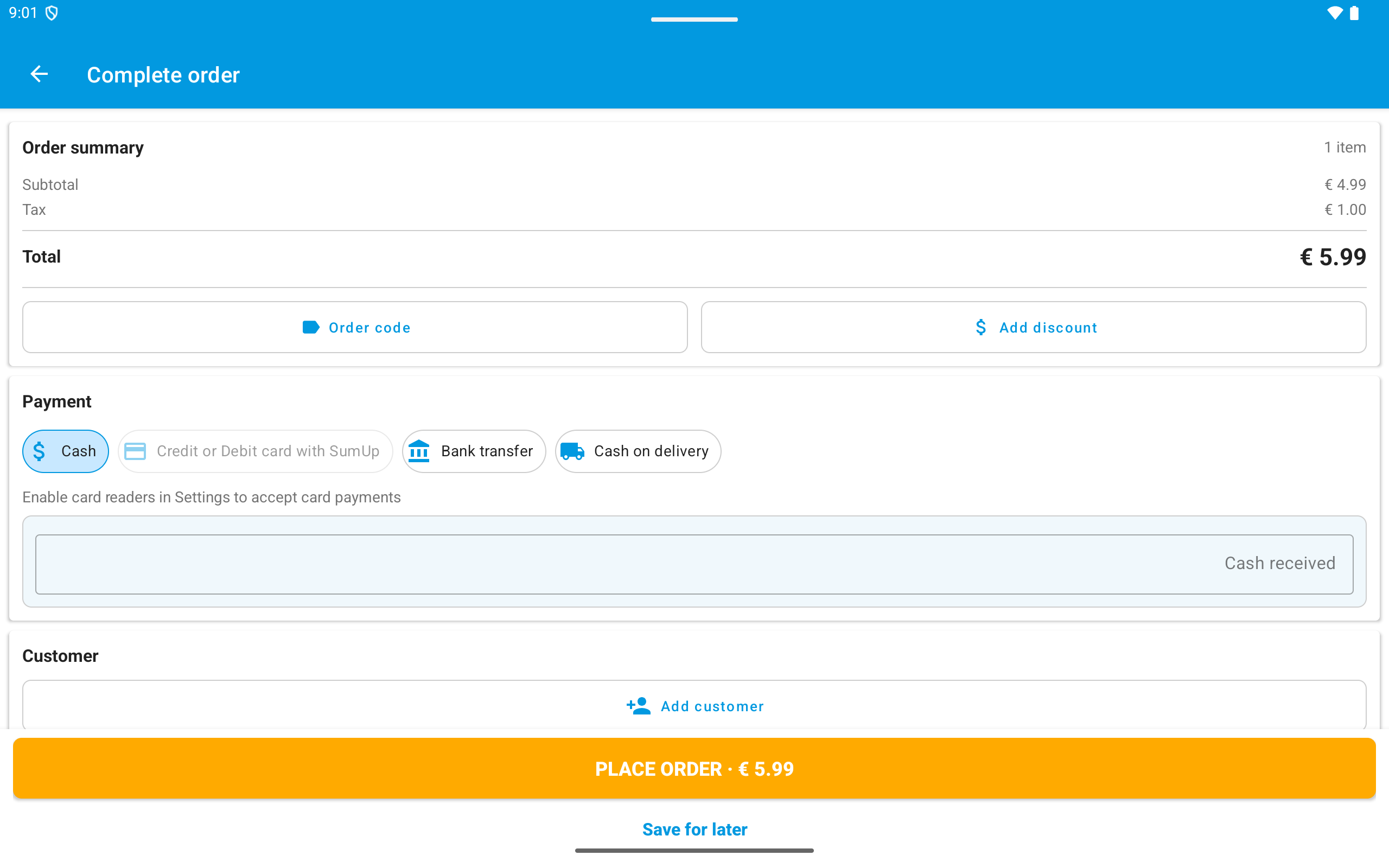
Credit or Debit card with Sumup. - When you click on
Place OrderWAMA will connect to your SumUp reader to accept the payment.